What Is TestSprite and How Does It Test a Project Automatically?
 Zeshi Du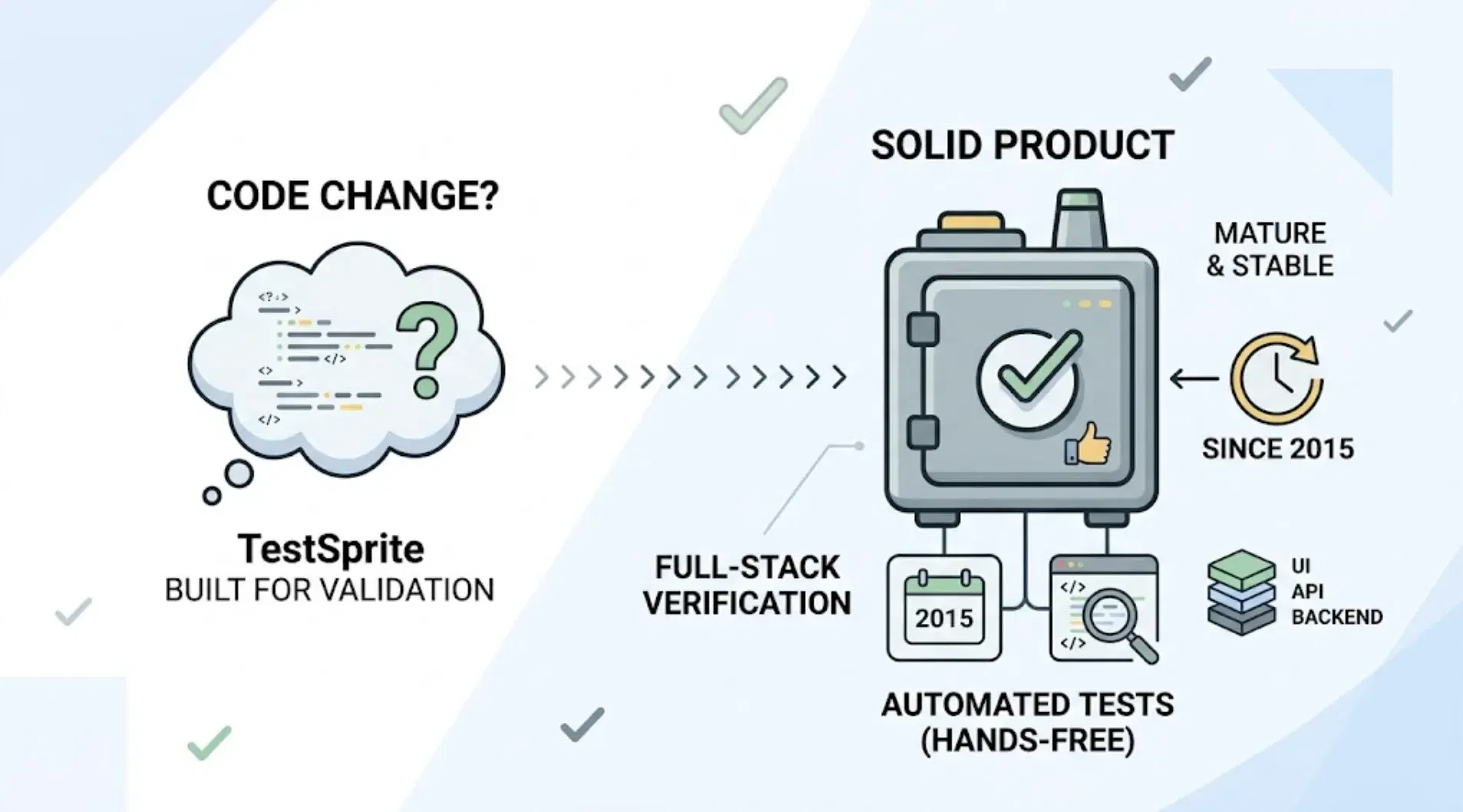
You changed the code. Did anything break? That question, not "what's the latest testing framework," is the one TestSprite is built to answer, and it answers it without you writing a single test by hand.
What TestSprite is
TestSprite is an autonomous AI testing agent that turns AI-generated code into production-ready software. It's not a framework you write scripts against, and it's not a recording tool that captures what you clicked. It's an agent that decides what to test, generates the test cases, runs them, and proposes fixes when something breaks.
The full loop runs as: discover → plan → generate → execute → analyze → heal → report.
How it decides what to test
This is the part that separates TestSprite from most of the category. Rather than starting from a UI recording or a hand-written script, TestSprite is PRD-driven. If your project has a PRD, it parses that directly. If it doesn't, it reverse-engineers product intent from your codebase through its MCP Server, building an internal PRD from what your code actually implies the product should do.
That distinction matters more than it sounds. A test generated purely from the current implementation will happily encode a bug as "correct behavior," since the test has no independent notion of what the product should do, only what it currently does. TestSprite anchors test goals to intent instead, so an implementation bug doesn't quietly become the permanent spec.
How it actually tests your project
Once intent is established, TestSprite generates end-to-end test cases covering frontend UI flows, backend APIs, authentication, error handling, performance boundaries, contract consistency, and accessibility, all without you writing test code by hand.
Frontend testing runs through parallel exploration agents that click through every PRD-described feature and return a structured map of what they found, viewable in a live preview grid or replayed as video per agent. A three-column wizard shows live previews, a use-case flow graph, and per-agent details, and sessions are resumable if you close the tab and come back later.
Backend testing (Backend Testing 2.0) takes a fundamentally evidence-grounded approach. Before generating any test plan, TestSprite silently observes how the API actually responds: real status codes, real field names, real response shapes, and grounds every assertion in that observation. This sharply reduces hallucinated assertions and the "expected X, got [Object]" class of failure that shows up when a test guesses at a response shape it never actually observed. Dynamic variables capture real values (a created project ID, a returned token) and pass them automatically to downstream tests, so a full CRUD lifecycle works end-to-end on the first run.
Execution happens in a secure, ephemeral cloud sandbox: seconds to spin up, fully isolated, automatically torn down. No local environment setup, no test infrastructure to maintain.
What happens when a test fails
This is where TestSprite differs from tools that stop at a report. When something fails, TestSprite classifies the failure and, on a fixable first run, retries with corrected code before showing you the result, so you're only reviewing runs actually worth acting on. When a test genuinely can't run, because an upstream value is missing or a credential expired, it shows an honest yellow "Blocked" status with a plain-English explanation, rather than a misleading red "Failed" that sends you hunting for a bug that isn't there.
The bigger structural piece: failure information (the failed step, the root cause, a suggested fix) gets packaged into a format your coding agent can act on directly, and fed back into the IDE. Other verification tools read your code and guess. TestSprite opens your app and uses it. The loop closes: AI writes the code, TestSprite tests it, TestSprite proposes the fix, and the coding agent applies it.
Where you access it
Three entry points, depending on your workflow:
- TestSprite MCP Server: inside AI IDEs (Cursor, Claude Code, Windsurf, GitHub Copilot, Kiro, OpenAI Codex). One instruction, "Help me test this project with TestSprite," runs the full loop without leaving your editor.
- TestSprite Web Portal: a browser dashboard for project configuration, test plans, run history, scheduled regressions, authentication setup, and quality trends over time.
- GitHub Actions: runs the testing agent inside CI on pull requests, posting results back as PR comments.
Who it's built for
Three groups, in practice: AI-native engineering teams shipping through Cursor, Claude Code, or similar tools, where code output has outpaced manual verification; solo developers and early-stage startups without a dedicated QA function, where TestSprite functions as the entire QA pipeline; and backend and API-first teams that need contract verification and cross-service consistency, especially relevant after the Spring Release's Backend Testing 2.0.
Conclusion
TestSprite exists to answer one specific question that AI coding agents can't answer for themselves: does this code actually work, verified independently, against what the product is supposed to do. It generates the tests, runs them in an isolated sandbox, and feeds fixes back to whatever agent wrote the code in the first place. Try TestSprite's free plan against your own project to see what it finds.