Let your AI code,we'll make it work.
Turn your AI-generated code into real, working software — with our autonomous testing agent built right into your IDE.
TestSprite MCP boosts your AI coding accuracy to over 90% by handling everything for you. All automatic. All behind the scenes.
How to use MCP
01Configuring tests
Understands what you want
TestSprite MCP starts by configuring basic settings and project information. It then parses product specification documents or natural language intent to understand what needs to be tested.
02Creating documentations
Validates what your agent wrote
TestSprite MCP works with your coding agent to understand the existing codebase. It automatically generates TestSprite's standardized PRD document, creates test plans, and produces test cases and test code without manual input.
03Executing tests
Runs & diagnoses the results
TestSprite MCP executes tests in remote cloud environments, identifies failures and their root causes, and checks whether the output aligns with your intended design and requirements.
04Generating reports
Closes the loop
TestSprite MCP sends structured feedback and test reports directly to your coding agent, along with precise suggestions to improve your codebase.
Boost accuracy at 121%
Scale quality with agentic precision
Close the gap between code generation and production. Move from meeting 42% of requirements to 93% autonomous feature delivery through continuous verification.

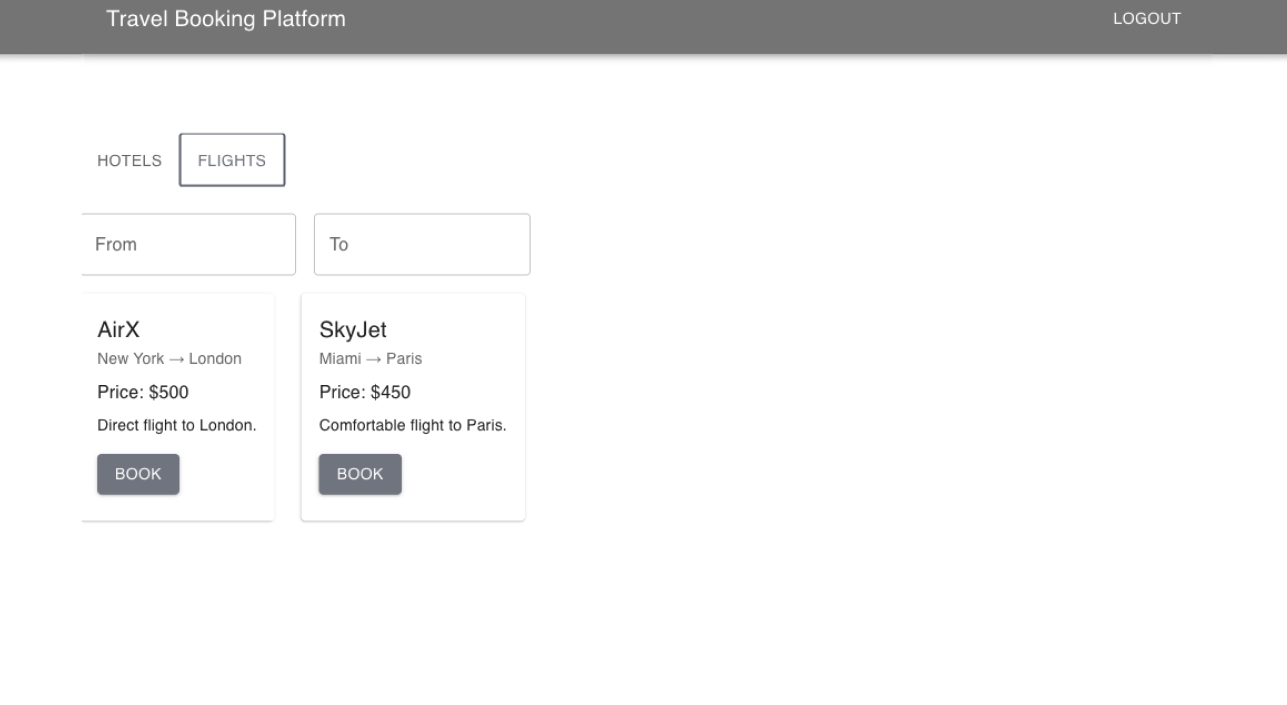
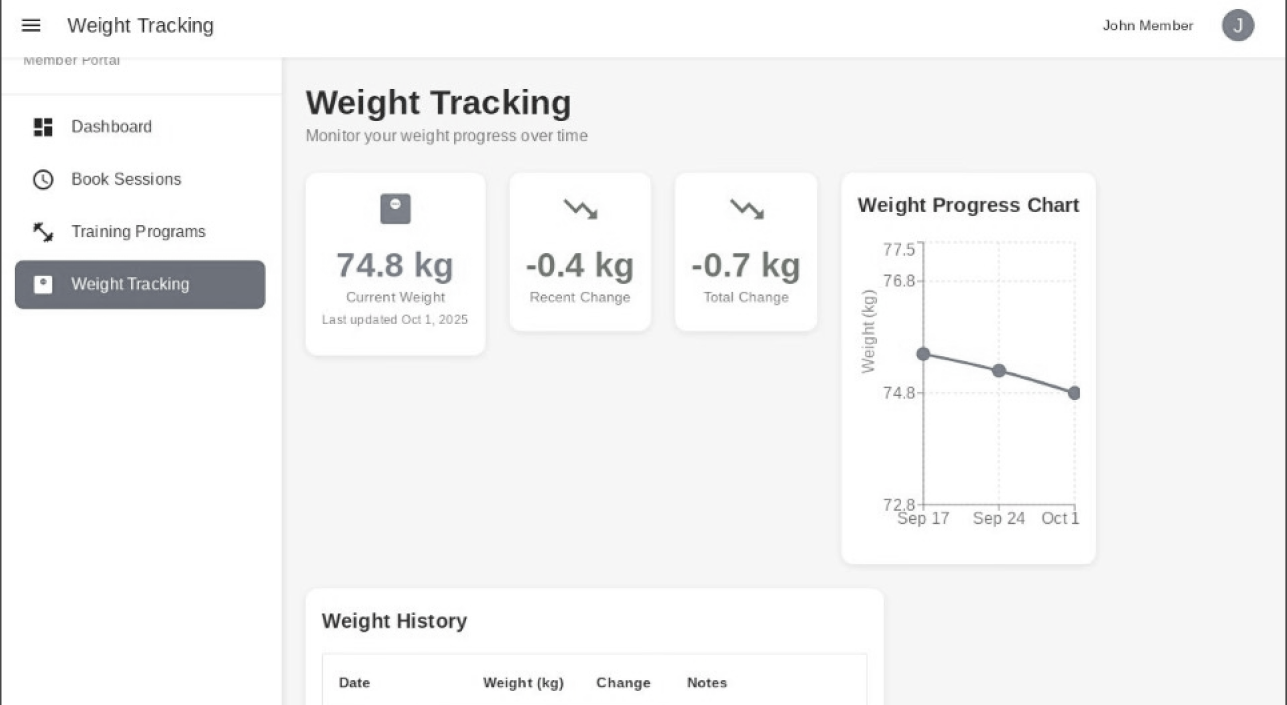
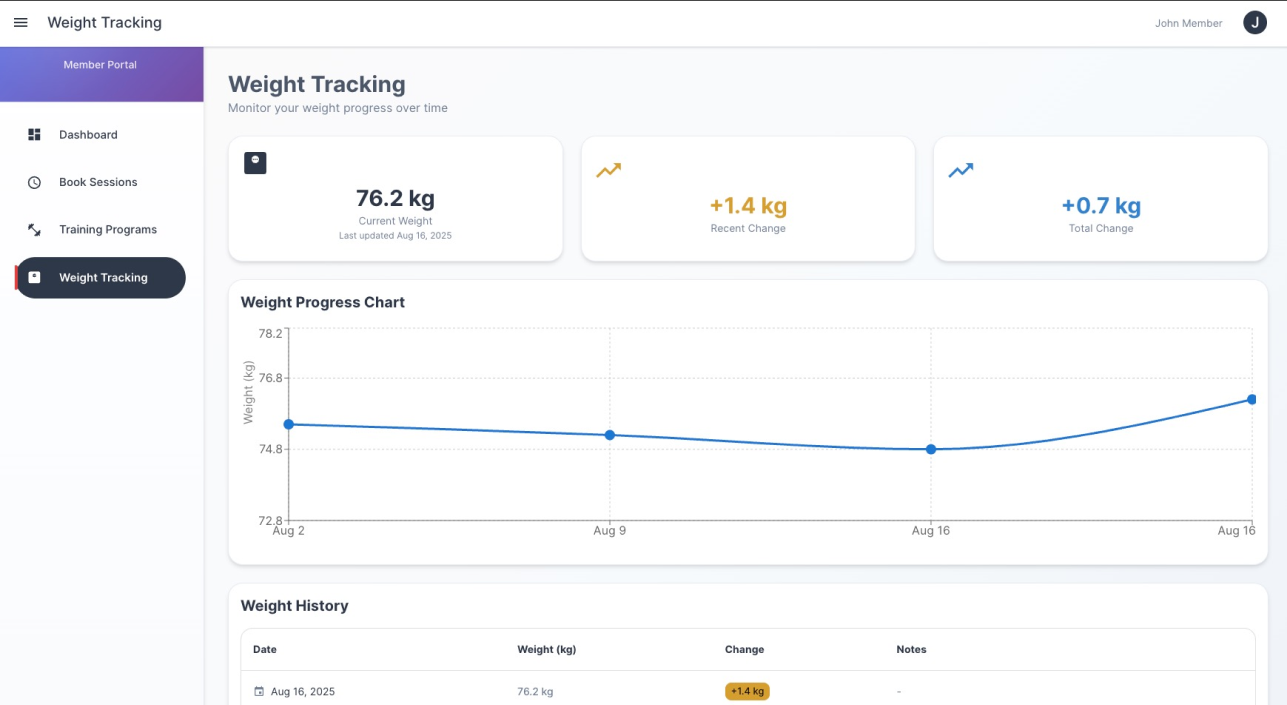
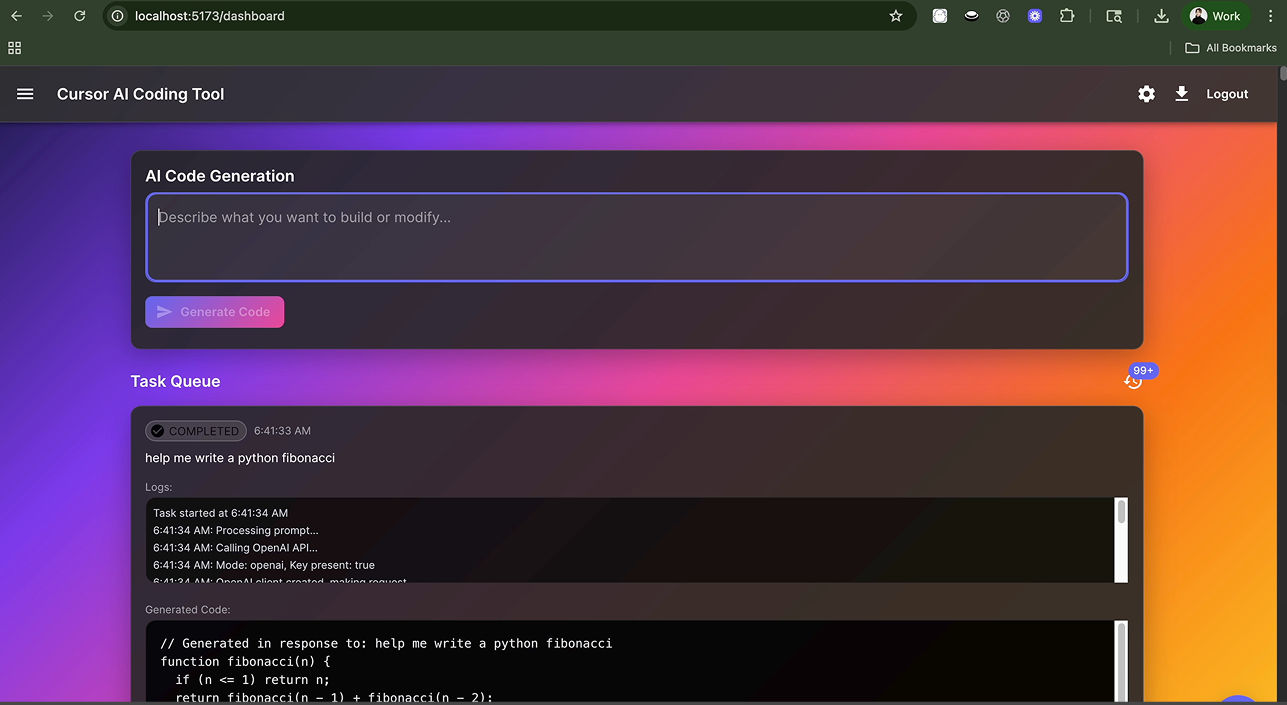

Example execution result
From scattered scripts to a working flight booking flow powered by autonomous testing.
Next step
Organize with test list
Group your tests into clear, trackable lists.
Set up monitoring
Automate test runs on your schedule.
Schedule recurring tests
Ensure reliability with automated tests that run consistently.
Track progress over time
Visualize test results historically to spot trends, measure stability, and improve product quality.
Good to know